Sweax Brush
Place details, props and parts on any surface in Roblox Studio: one at a time, with a brush, by drawing them to size, or on a block grid.
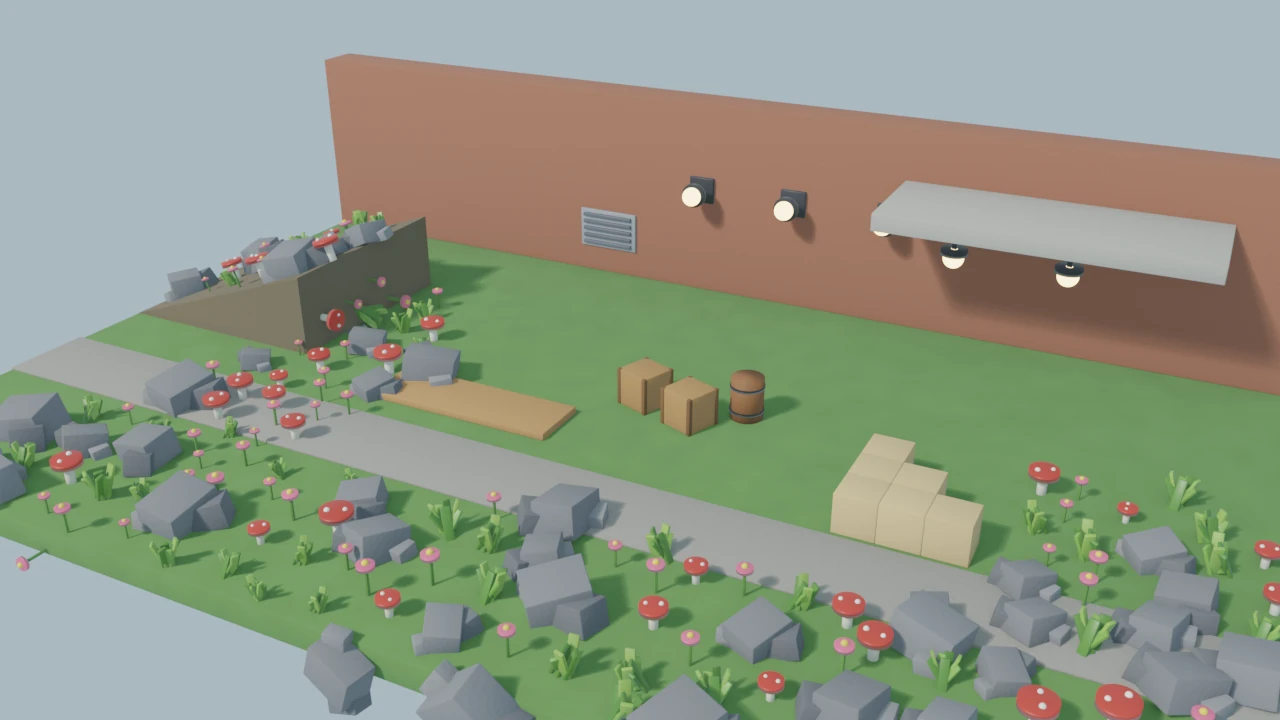
Try it here
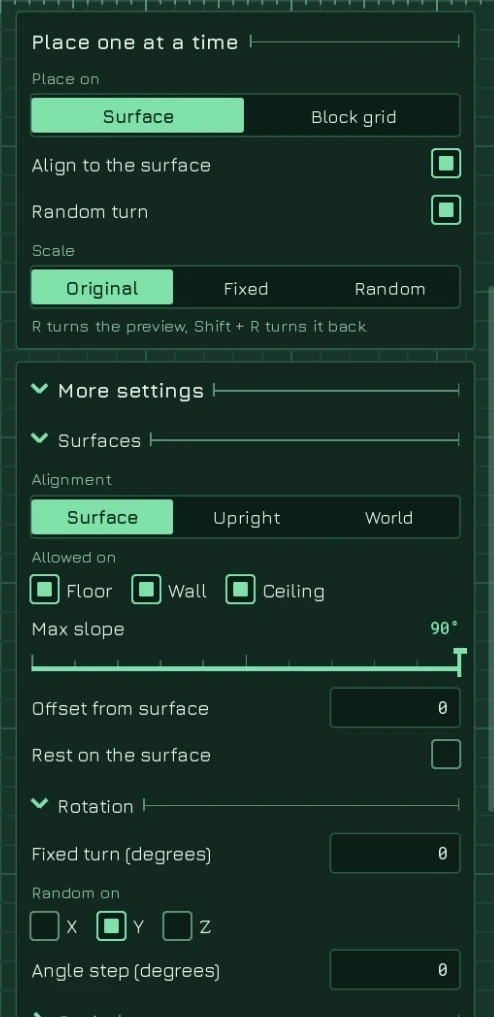
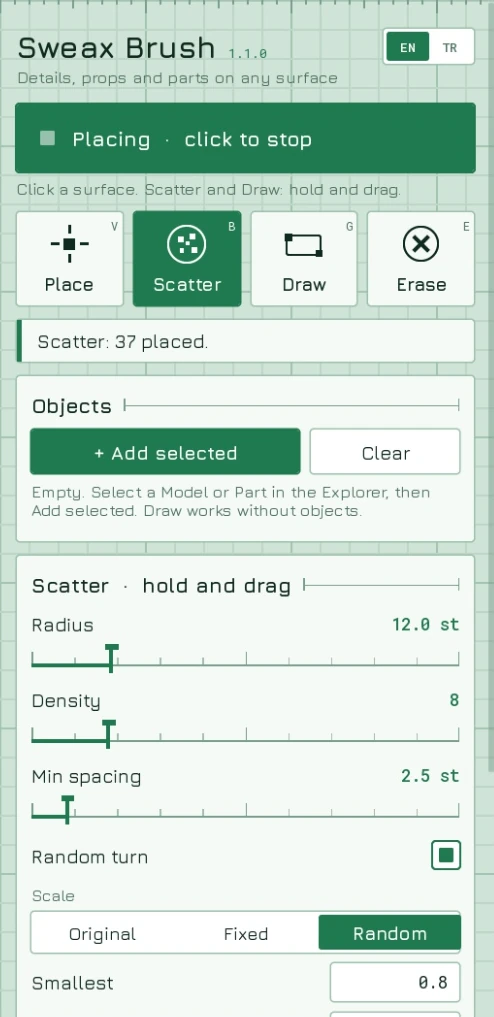
The panel next to the board is the plugin’s panel rebuilt in HTML, with the plugin’s own strings. The placement math (surface alignment, scatter sampling, spacing, block cells, draw snapping) is ported from the Luau source, and the board and objects are dumps from Studio.
…
Left click: use the tool · Right drag or Alt + drag: turn the view · Wheel: zoom · V B G E: modes · R: turn the preview · Ctrl + Z: undo
In Studio you add objects from the Explorer. Here the list is fixed: tick the ones to use.
Five ways to place
Floors, walls and ceilings
Draw parts to size
Block grid
Erase
At a glance


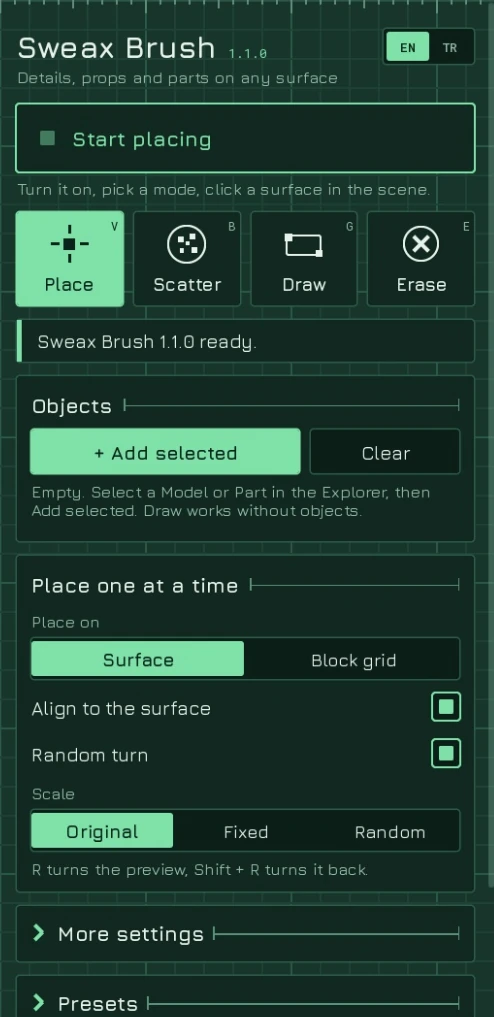
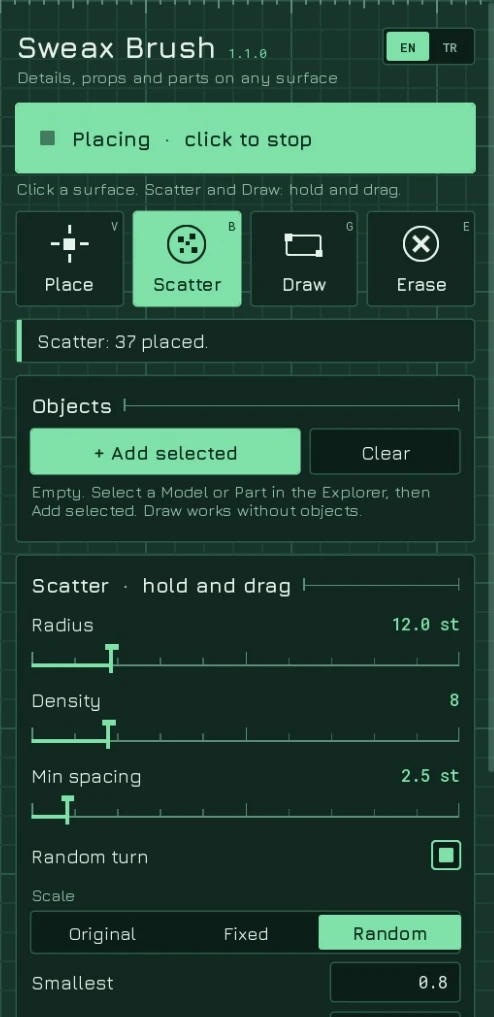
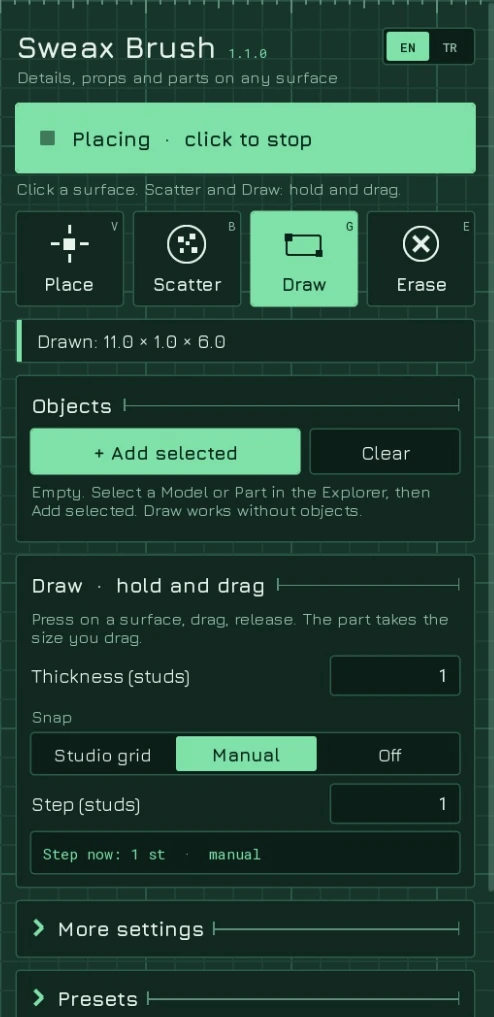
The panel
Install
Windows
%LOCALAPPDATA%\Roblox\PluginsmacOS
~/Documents/Roblox/PluginsBuild from source
python tools/build.py --install